Chapter 1: What Is UX Design?
UX vs UI
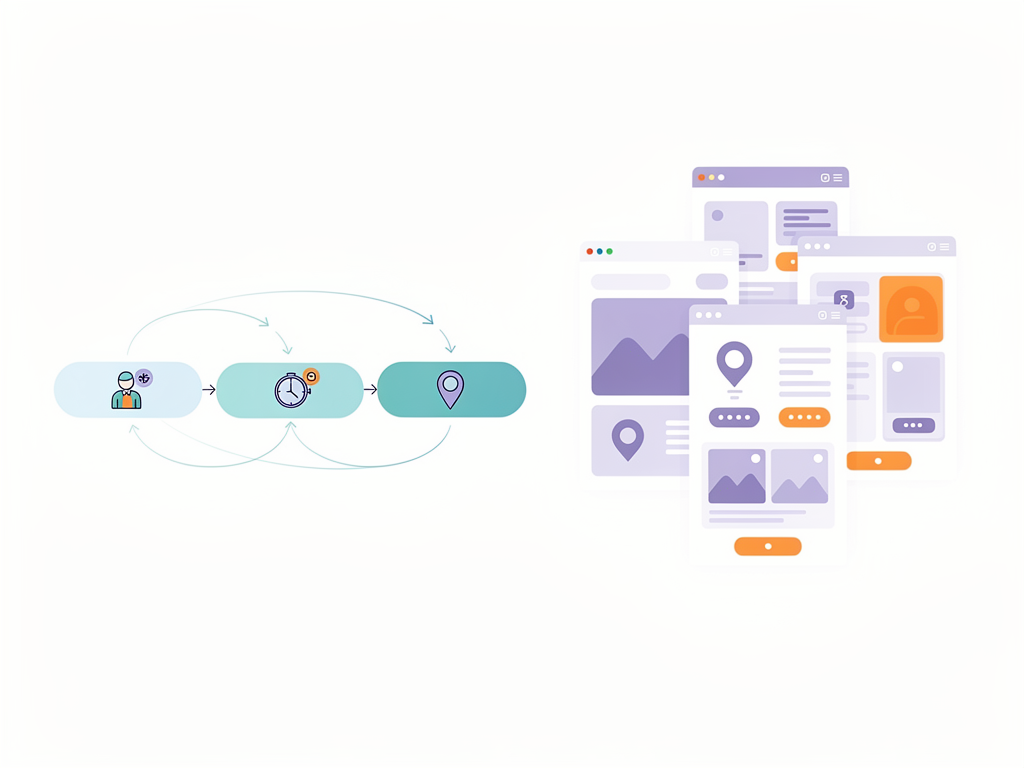
User Experience (UX) is how a product feels to use.
User Interface (UI) is how it looks.
UX focuses on:
- Solving real problems
- Making tasks easy
- Reducing frustration
UI focuses on:
- Colors, fonts, spacing
- Icons and buttons
- Visual style
> Great UI cannot fix bad UX.
Goals of UX Design
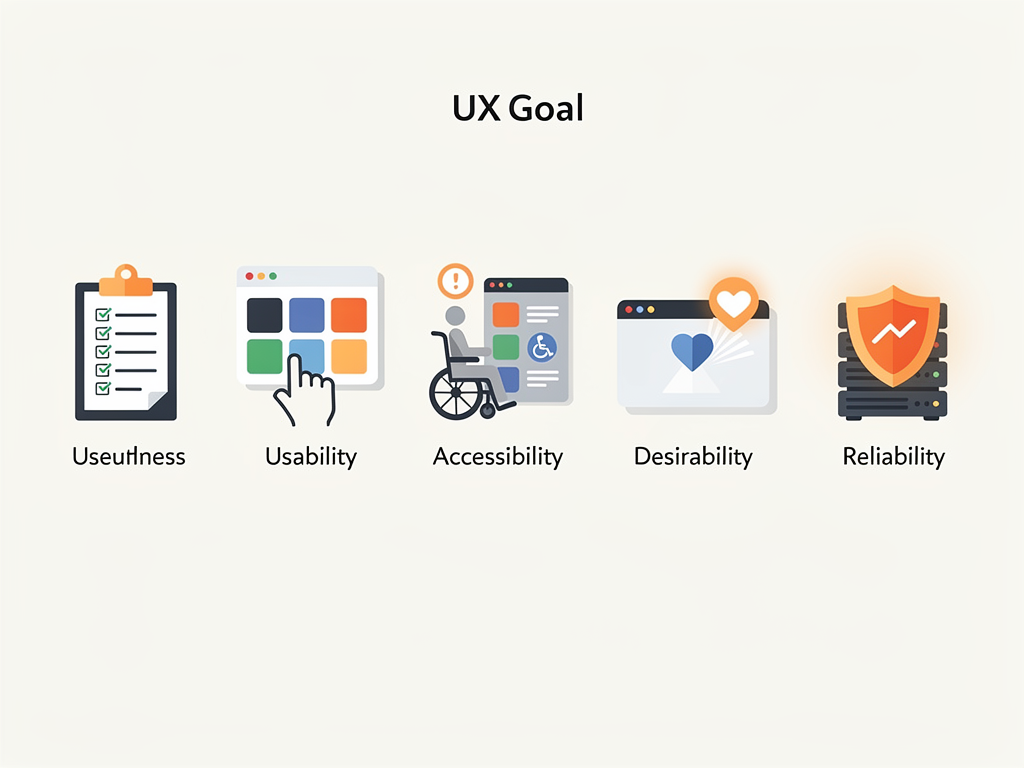
A good UX design aims to:
- Be useful: solves a real need
- Be usable: simple and clear
- Be accessible: works for many people
- Be desirable: feels pleasant
- Be reliable: behaves as expected
If users get lost, confused, or annoyed, UX is failing.
UX in Everyday Life
UX is not just apps and websites:
- A bus ticket machine 🚌
- A microwave panel
- A school timetable
Ask:
1. Is it obvious what to do next?
2. Can a new user succeed first try?
3. What happens if they make a mistake?
These are UX questions.

UX Design Process (Big Picture)
UX design usually follows this loop:
1. Research users and context
2. Define the problem
3. Ideate many solutions
4. Prototype the best ideas
5. Test with users
6. Improve based on feedback
Then repeat. UX is never truly “done”.
💡 This is just Chapter 1. The full content with all chapters, interactive quizzes, and progress tracking is available in the Octo AI app.