Chapter 1: What Is UX Design?
UX in Daily Life
UX means User Experience.
It is how something feels to use.
You see UX in:
- Apps you tap 📱
- Games you play 🎮
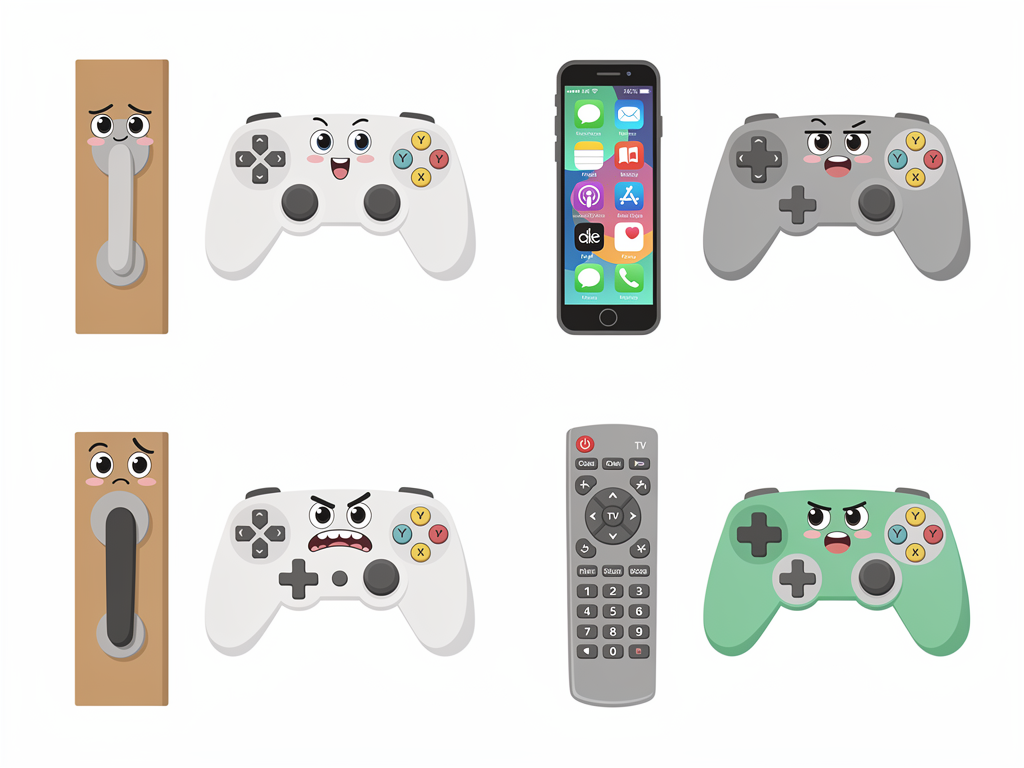
- Doors you push or pull
Good UX feels easy and clear.
Bad UX feels confusing and annoying.
Key idea: UX designers try to make life simpler for people.
UX vs. UI
People often mix these up:
- UX: the experience (Is it easy? Is it fun?)
- UI: the look (colors, icons, fonts)
Example:
- A game with clear levels and hints = good UX
- A game with cool art and buttons = good UI
You need both, but UX comes first.
Why UX Matters
Good UX can:
- Save time ⏱️
- Stop mistakes
- Make people smile 😄
Bad UX can:
- Waste time
- Confuse users
- Make people quit your app or game
Companies use UX so people stay, return, and share with friends.
Simple UX Example
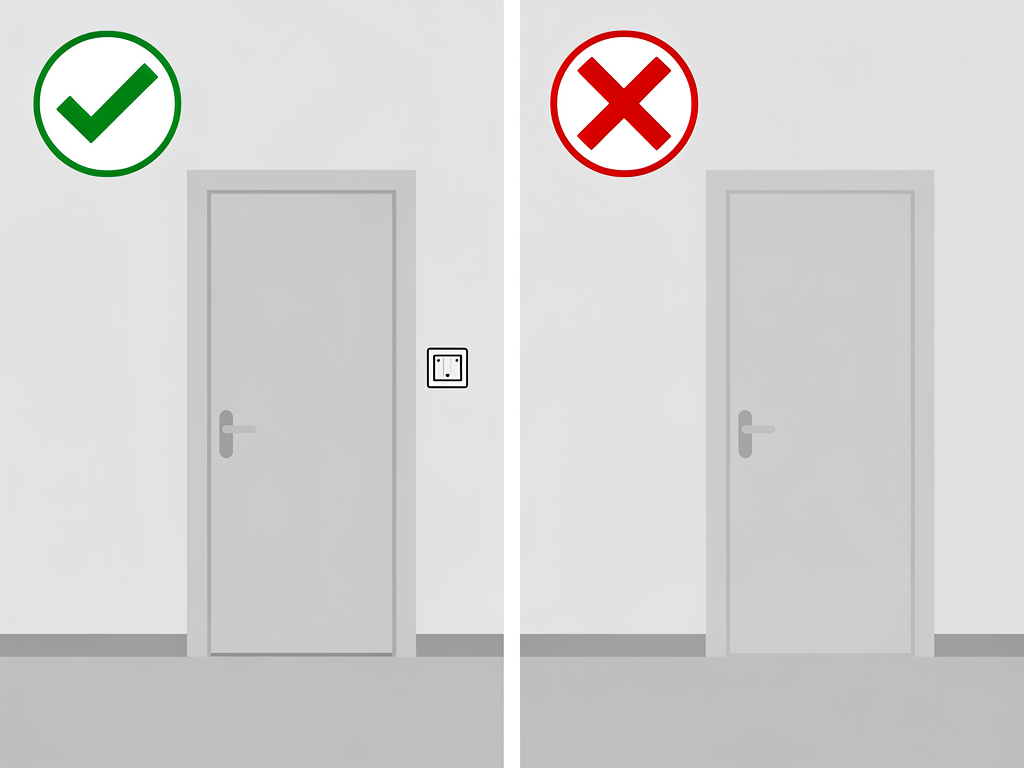
Imagine a light switch:
- Near the door ✅
- Easy to reach ✅
- One flip = light on/off ✅
That is good UX.
If the switch is far away or backwards (up = off), that is bad UX.
UX is often about common sense and kindness to users.
💡 This is just Chapter 1. The full content with all chapters, interactive quizzes, and progress tracking is available in the Octo AI app.