Meet Stable Diffusion
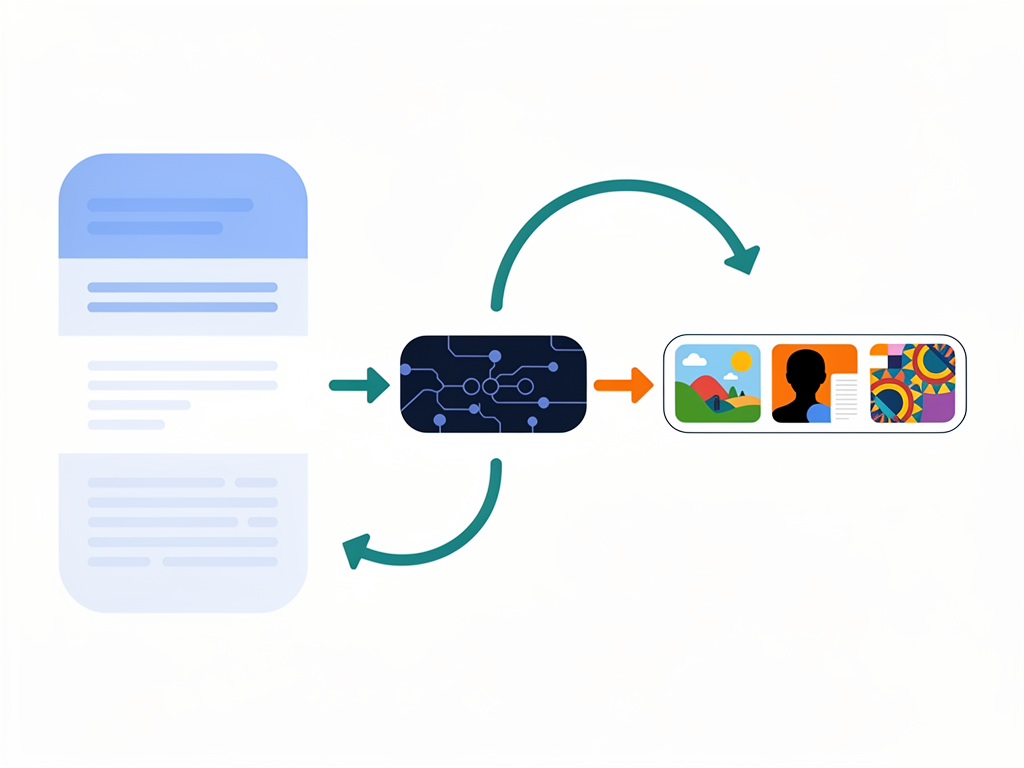
Stable Diffusion is an AI model that turns text into images.
You type a prompt like:
> "A dragon flying over a futuristic city, at sunset"
The model creates a new picture matching your words.
- Works on many computers
- Runs faster than many older models
- Can be customized with extra training
It’s used for art, design, games, and more.
Key Ideas
When people say “Stable Diffusion,” they might mean:
- The model itself
- The app or web UI around it
- The method of creating images by denoising
Important parts:
- Text encoder: understands your prompt
- UNet: edits noisy images step by step
- Decoder: turns hidden data into pixels
Together, they turn random noise into art.
What It’s Good For
Stable Diffusion is great when you need:
- Quick concept art
- Thumbnails and posters
- Character and environment ideas
- Style exploration (realistic, anime, pixel art)
But it’s not perfect:
- Hands and text can look weird
- Prompts matter a lot
- It can copy styles too closely if misused
We’ll learn how to guide it well and use it responsibly.
💡 This is just Chapter 1. The full content with all chapters, interactive quizzes, and progress tracking is available in the Octo AI app.