Chapter 1: Mastering Exposure
Exposure Triangle Overview
Great photos balance light using three controls:
- Aperture (f-stop): size of lens opening
- Shutter Speed: how long light hits the sensor
- ISO: sensor sensitivity
Changing one affects the others. Your job is to trade between brightness, motion blur, and noise to match your creative idea.
> Think: How bright? How sharp? How clean?
Aperture & Depth of Field 🎯
- Low f-number (f/1.8): wide opening, bright, blurry background
- High f-number (f/11): narrow, darker, more in focus
Use:
- Portraits: f/1.8–f/2.8 for creamy background
- Landscapes: f/8–f/16 for front-to-back sharpness
Rule: The closer you are and the longer the focal length, the blurrier the background.
Shutter Speed & Motion
Shutter speed controls how motion appears:
- Fast (1/500s+): freeze sports, birds, splashes
- Slow (1/10s or longer): show motion blur, light trails, silky water
Guideline to avoid handshake blur:
> Minimum shutter ≈ 1 / focal length
Example: shooting at 100mm → use at least 1/100s (or faster).
ISO & Image Noise 🌙
ISO brightens your photo when light is low, but adds noise (grainy dots).
- Low ISO (100–200): clean, best quality
- Medium (400–800): evening outdoors, gyms
- High (1600+): dark scenes, concerts
Tip: First set aperture and shutter for the look you want, then raise ISO only as much as needed.
Exposure Modes: P, A, S, M
- P (Program): camera sets aperture + shutter; you adjust ISO, exposure comp.
- A / Av (Aperture Priority): you choose aperture; camera sets shutter.
- S / Tv (Shutter Priority): you choose shutter; camera sets aperture.
- M (Manual): you control everything.
For learning creativity, use A for portraits/landscapes, S for sports.
Using the Light Meter
Your camera meter tries to make scenes a medium gray.
Steps:
1. Point at subject.
2. Half-press shutter.
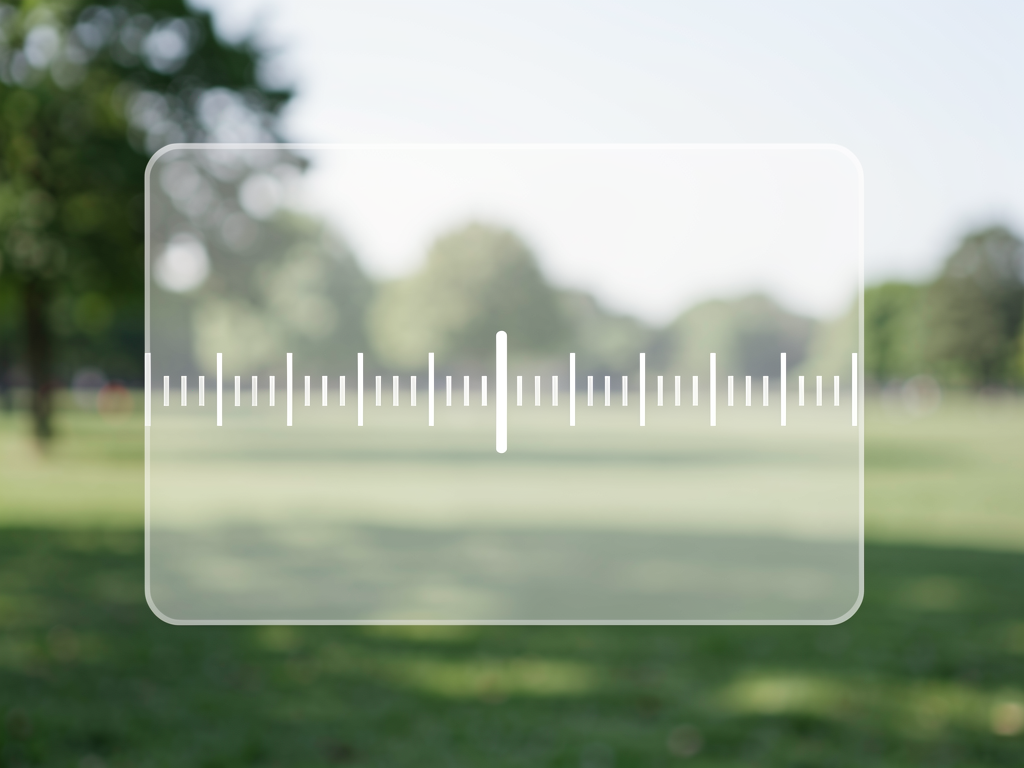
3. Watch the exposure scale (− … 0 … +).
- 0 = camera’s idea of “correct”
- Negative = darker
- Positive = brighter
Use exposure compensation (+/−) in A or S mode to override the meter creatively.
💡 This is just Chapter 1. The full content with all chapters, interactive quizzes, and progress tracking is available in the Octo AI app.